What's the difference between a callback and ownership verification?
A callback confirms that a bank change request really came from your vendor: you ignore the contact details in the email and call the vendor on a number you already trust. Ownership verification confirms that the new bank account actually belongs to that vendor. One checks the person asking. The other checks the account.
You need both answers. A callback alone can't tell you whose name is on the account, and it gets harder to run well as your vendor list grows. Ownership verification fills that gap and doesn't depend on someone picking up the phone.
Callbacks are still the right baseline. If you don't have any other tool, call back on every change. Below: what each method proves, where phone calls break down, and how to combine the two.
How do callbacks and ownership verification compare?
| Callback | Ownership verification | |
|---|---|---|
| What it proves | The request came from someone at the real vendor | The new account is in the vendor's name |
| What it can't prove | Whose name is on the new account | That the person asking is authorized to make the change |
| How it works | Call the vendor on a number from your own records | The vendor confirms the account through its bank login, or a service checks the name against bank records |
| Typical time | Minutes per call, plus voicemail and callbacks | Usually minutes, without waiting on a call back |
| Cost | Staff time | Tool or service fees |
| Scales with vendor count | Poorly: every change needs a person on each end | Well: the same check runs on every change |
| Main weak spots | Wrong number on file, spoofed caller ID, AI voice cloning, skipped calls | Coverage gaps at some banks; doesn't confirm the request itself |
| Record it leaves | Whatever the caller writes down | A logged result for each check |
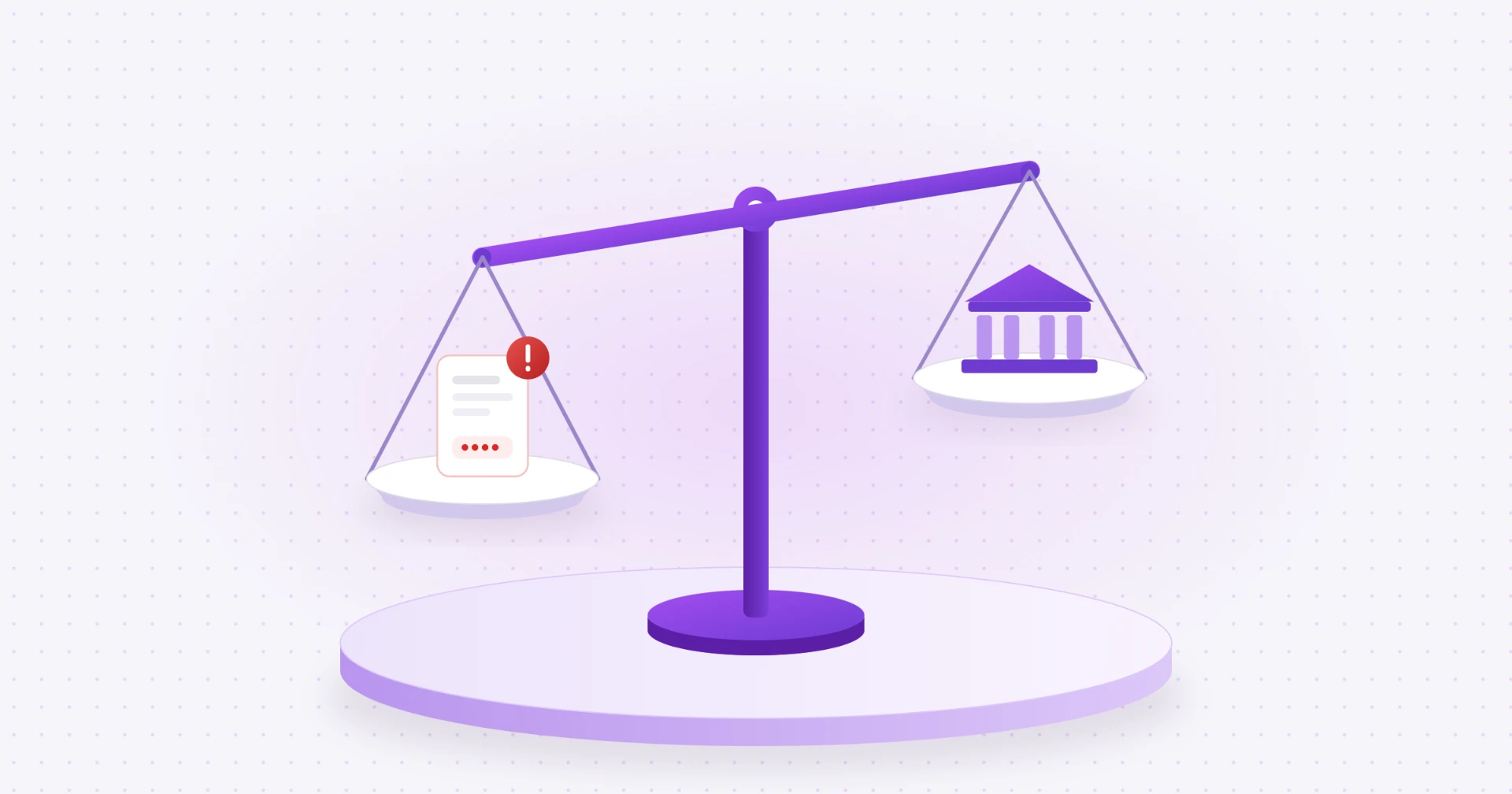
The two cover each other's blind spots. A careful process uses the callback to confirm the request and an ownership check to confirm the account.
What does a callback prove, and what doesn't it?
Callbacks are nearly universal in AP, for good reason. In the AFP's 2026 Payments Fraud and Control Survey, 94% of organizations had put in place the practice of verifying fund transfer requests "by calling an authorized contact at the payee organization using a phone number from official records, not from email" (AFP, 2026). Regulators recommend the same thing. FinCEN has advised financial institutions to verify emailed payment instructions "by using multiple means of communication or by contacting others authorized to conduct the transactions" (FinCEN, 2019).
A good callback proves three things:
- You reached the real company, not the person who sent the email.
- Someone there says they asked for the change.
- They can repeat the new bank details back to you.
What it doesn't prove is who owns the new account. The person on the phone is telling you what they believe. If their own inbox was hacked, or a coworker was tricked into "confirming" details a fraudster sent them, the call can go perfectly and the account can still belong to someone else. A callback also leaves only the notes your team writes down, which may not be enough if you ever have to show what was checked.
Why don't callbacks scale?
A callback works when someone has the time to do it right. That gets harder as the number of vendors and bank changes grows.
- Calls go unanswered. Vendors' AR teams are busy too. As J.P. Morgan put it, outreach to vendors "often goes unanswered or produces ambiguous replies." Every voicemail can add a day and another reminder to track.
- The time adds up. Take an example: a team that handles 40 bank changes a month and spends 20 minutes on each, counting voicemail, call backs and notes, is spending over 13 hours a month on calls. That's before onboarding new vendors.
- Calls get skipped under pressure. At month end or when a vendor is pushing to be paid, it's tempting to accept the email "just this once." One skipped call is all a fraudster needs.
- Quality varies by person. One clerk checks the vendor master for the number; another dials the number in the email signature. The control is only as strong as the least careful call.
- The phone number on file can be wrong. If a fraudster changed the vendor's contact details earlier, or the number was copied from a fake invoice, the callback reaches the fraudster.
None of this means you should stop calling. It means a process built only on phone calls gets weaker exactly when you need it most: during busy months, at higher volume, and against better-prepared fraudsters.
How do fraudsters get around callbacks?
Fraudsters know AP teams call back, so they plan for it.
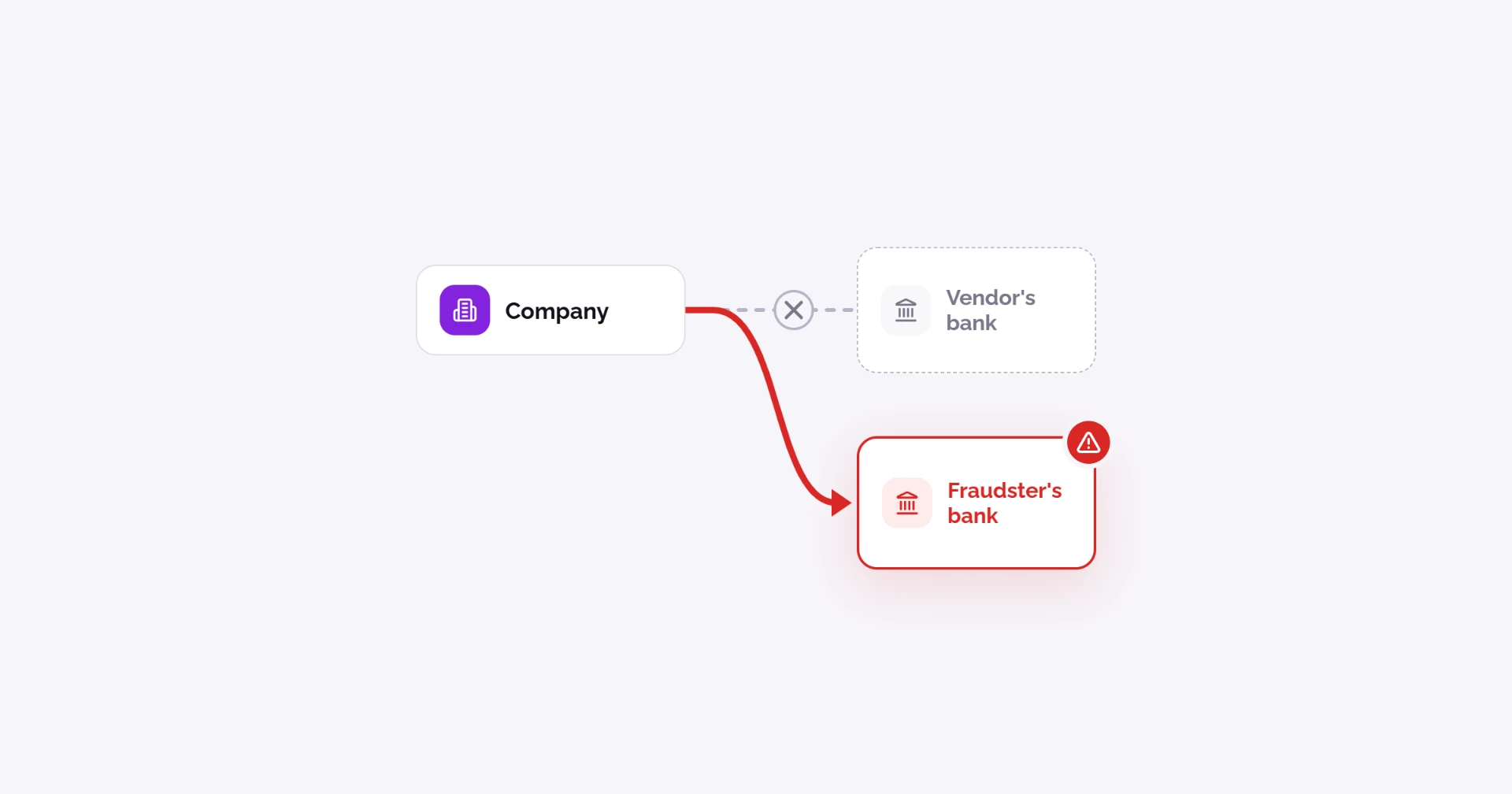
- They give you their own number. The fake email includes a phone number in the signature or a "new direct line." Call it and you reach the fraudster. The FBI recommends "directly calling a business's main phone line… rather than calling numbers provided via email contact" (FBI IC3, 2023).
- They spoof caller ID. When a fraudster calls you to "confirm" the change, the display can show the vendor's real number. The FCC defines spoofing as when "a caller deliberately falsifies the information transmitted to your caller ID display to disguise their identity" (FCC). That's why the call has to be one you place, not one you receive.
- They clone voices. AI tools can copy a person's voice. In December 2025 the FBI warned that criminals "use AI-generated voices to masquerade as a known contact," and that a real contact and a cloned voice "can sound nearly identical" (FBI IC3, 2025). FinCEN has warned that criminals have reportedly used these tools to impersonate executives and trusted employees, then get victims to send money "to accounts ultimately under the scammer's control" (FinCEN, 2024). The AFP's 2026 survey notes that "some organizations have encountered attacks using audio impersonation."
- They work from inside the vendor. If the vendor's own email was hacked, the fraudster may have already convinced someone at the vendor that the new account is real. Your callback reaches a real employee who confirms the wrong details in good faith.
Each of these defeats a check on the person. None of them changes whose name is on the bank account, which is why an ownership check catches what a callback misses.
What does ownership verification check?
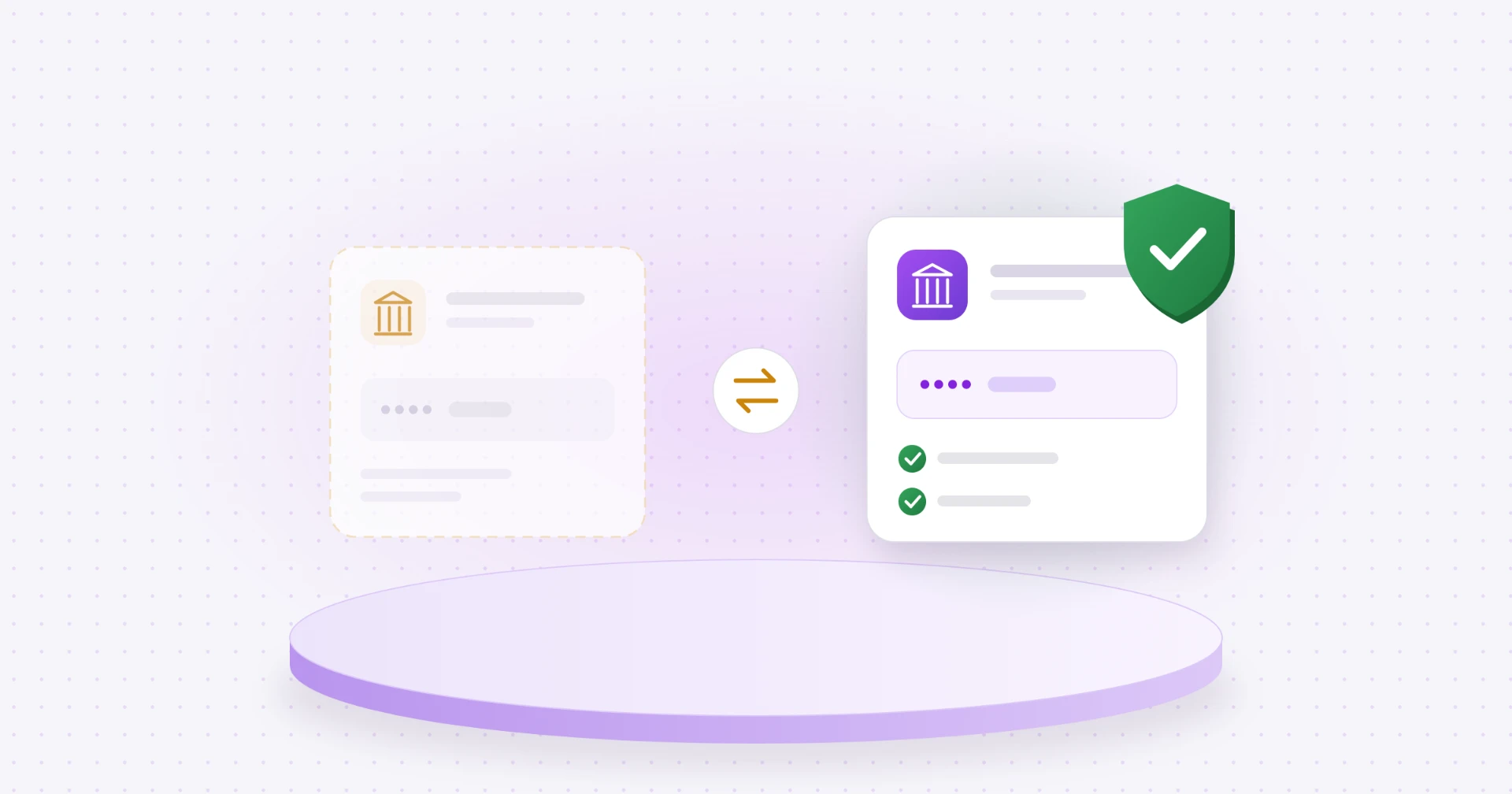
Bank account ownership verification confirms that the account a vendor gave you is open and in that vendor's name. It's a step beyond basic account validation, which only checks that the account exists.
That difference matters. Nacha's minimum standard for account validation is to confirm "the account to be used is a legitimate, open account," and Nacha says "a more rigorous assessment that also verifies account ownership may be appropriate" (Nacha FAQ). A fraudster's account is open too. Only an ownership check tells you it isn't your vendor's.
Common methods:
| Method | What it confirms | Limits |
|---|---|---|
| Bank login | The vendor signs in to its own bank, and the account and name come straight from the bank | Not every bank supports it; the vendor has to take a step |
| Account validation service | Checks the account against bank data; some services also return a name match | Coverage varies; some only confirm the account is open |
| Micro-deposits | Small test deposits the vendor reports back | Takes a day or more; proves access to the account, not the name on it |
| Prenote | A zero-dollar test entry through the ACH network | Confirms the account can take ACH entries; as U.S. Bank notes, "Prenotes do NOT establish account ownership" |
| Bank letter or voided check | A document showing the account | Easy to fake or alter |
For a deeper look at each method, see our guide to bank account ownership verification.
Should you use a callback, ownership verification or both?
Both, when you can. They answer different questions, so the strongest process runs them together on every new vendor and every bank change:
- Don't act on the request. Never update vendor bank details straight from an email, a form or a phone call you received.
- Call back on a number from your own records to confirm the vendor really asked for the change.
- Confirm the account is in the vendor's name with an ownership check before the first payment.
- If the two don't agree, stop. A confirmed request with a mismatched account name is a red flag, not a paperwork problem.
- Get a second approval from someone who didn't make the change.
- Log both results with who checked, how and when.
What that looks like at different sizes:
| Your situation | A practical approach |
|---|---|
| A handful of changes a month, no tools | Callback on every change, a short hold on the first payment, and a second approver |
| Dozens of changes a month | Callback plus an ownership check on every change, with a written log |
| Large vendor base or high-value payments | Vendors submit bank details through a secure channel instead of email, ownership checked on every change, callbacks reserved for exceptions and mismatches |
For a step-by-step version you can print, use our vendor bank detail change checklist.
What do Nacha's rules say about verifying bank changes?
Nacha's rules and guidance point toward using both methods.
- Independent verification of changes. Nacha's 2026 compliance tips for originators say to "authenticate payment requests or changes to payment instructions by independently verifying the request/change using a method other than the method used by the original request." That's the callback.
- Account validation tools. The same guidance says account validation tools "can be used to confirm that, at a minimum, an account with that account number is open," and that "other account ownership verification tools may go beyond simple account validation." That's the ownership check.
- Fraud monitoring. Under Nacha's 2026 fraud monitoring rules, businesses that send ACH payments need risk-based processes to catch payments made under false pretenses, which Nacha says "covers common fraud scenarios such as Business Email Compromise (BEC), vendor impersonation, payroll impersonation, and other payee impersonations." One example Nacha gives of a reasonable process is "change controls regarding payment information and instructions for vendor and payroll payments" (Nacha).
- Account validation for WEB debits. Since March 19, 2021, businesses that pull money by online debit (WEB debits) must validate accounts on "the first use of an account number, or changes to the account number" (Nacha). It doesn't apply to vendor payments you send, but it shows where Nacha draws the line: a new or changed account gets checked.
Nacha doesn't require a specific tool for vendor bank changes. But if a payment goes wrong, your bank, your insurer and possibly a court will ask what you did to check the change. A logged callback plus a logged ownership check is a much stronger answer than a note that says "called vendor."
How does Coffr help?
Coffr confirms the person and the bank account behind every new vendor and every bank detail change, so your team isn't relying on a phone call alone. Vendors share their details through a secure flow instead of email, and every verification is recorded on an immutable blockchain ledger. Your team gets a clear record of who verified what and when, without chasing voicemails.
Coffr doesn't replace good judgment, and it doesn't recover lost funds. It gives your AP team a consistent check on every change, no matter how busy the month gets.
Talk with us to see how it fits your AP process.
Sources
- 2026 AFP Payments Fraud and Control Survey Report: Key Highlights, Association for Financial Professionals (hosted by Truist), 2026
- Updated Advisory on Email Compromise Fraud Schemes Targeting Vulnerable Business Processes (FIN-2019-A005), FinCEN, Jul 16, 2019
- FinCEN Alert on Fraud Schemes Involving Deepfake Media Targeting Financial Institutions (FIN-2024-Alert004), FinCEN, Nov 13, 2024
- Senior U.S. Officials Continue to be Impersonated in Malicious Messaging Campaign, FBI IC3, Dec 19, 2025
- Business Email Compromise Tactics Used to Facilitate the Acquisition of Commodities and Defrauding Vendors, FBI IC3, Mar 24, 2023
- Caller ID Spoofing, Federal Communications Commission
- Business email compromise: Why AI validation is raising the bar, J.P. Morgan, Jun 22, 2026
- Account Validation FAQs, Nacha, Oct 19, 2020
- Tips for Originators to Comply with the 2026 Risk Management Rules, Nacha, Dec 12, 2025
- Risk Management Topics: Fraud Monitoring Phase 1, Nacha
- Supplementing Fraud Detection Standards for WEB Debits, Nacha
- Fighting credit push fraud: Preparing for Nacha's fraud monitoring rule changes, U.S. Bank, May 23, 2025
This article is general information, not legal or compliance advice. Talk to your bank or advisor about your own process.
Frequently asked questions
It's a good baseline, but not the whole answer. A callback confirms the request came from the real vendor. It doesn't confirm the new account is in the vendor's name. Pair it with an ownership check where you can.
A number from your own records, such as the vendor master, the contract or a past invoice you know is real. Never use a number from the email or form asking for the change, and never rely on a call you received.
It can make callbacks less reliable, especially calls you receive rather than place. The FBI has warned that a cloned voice and a real contact "can sound nearly identical." Calling a number you trust helps, but it can't confirm who owns the account.
A check that a bank account is open and belongs to the person or company that gave it to you. It goes beyond basic account validation, which only confirms that the account exists.
Nacha doesn't require a specific method for vendor bank changes. Its 2026 guidance recommends verifying changes through a different channel than the request and using account validation tools, and its fraud monitoring rules expect risk-based processes such as change controls for vendor payment instructions.
About the author

Operations Coordinator at Coffr
James Pickren covers payment fraud for Coffr, researching real fraud cases and working with finance teams on how they verify vendor payments.
LinkedInHow we research and correct our work: editorial standards · all questions answered